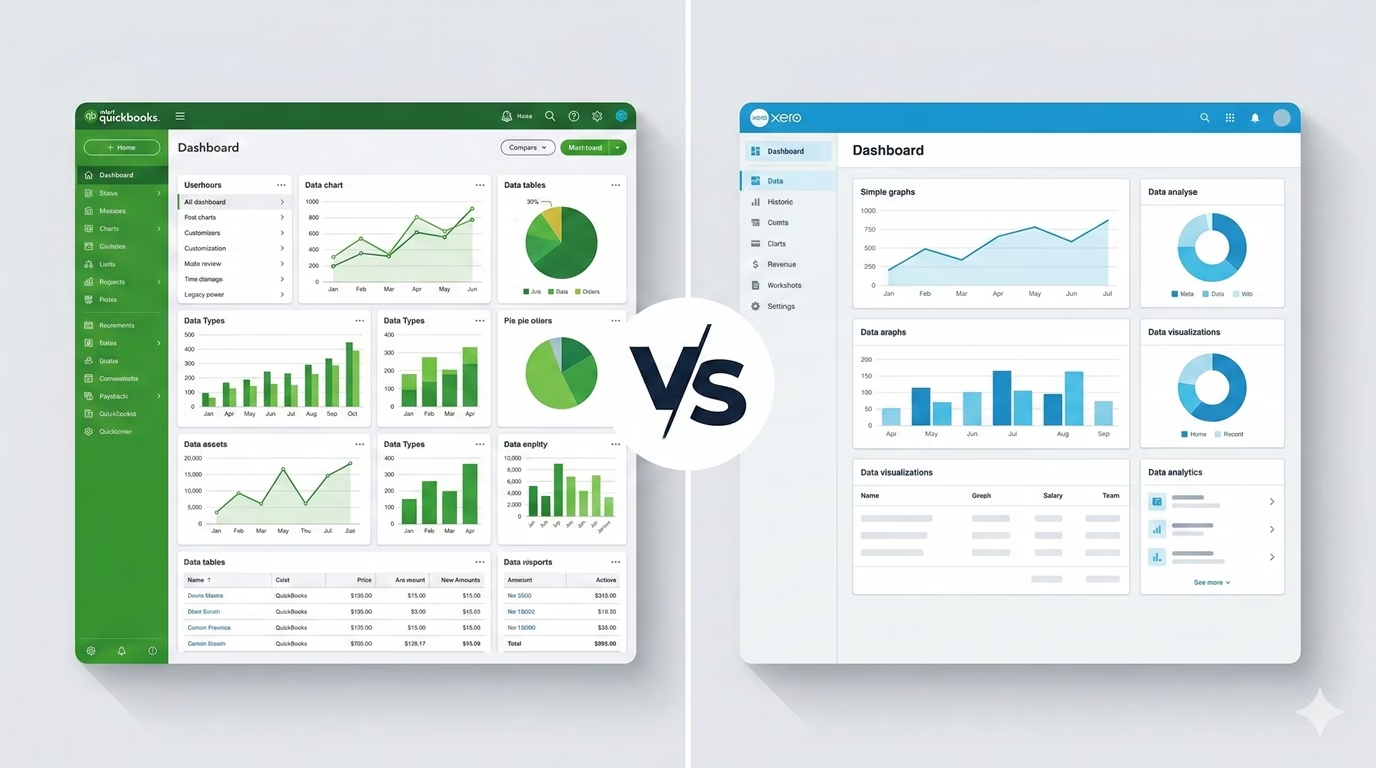
QuickBooks Online wins for US-based businesses that need inventory tracking, built-in payroll, and seamless compatibility with American CPAs.
Xero wins for startups, e-commerce brands, and teams with multiple users who want a lower-cost, cleaner platform.
Both offer a 30-day free trial. Read on for the full breakdown.
Introduction
If you are starting or scaling a business in 2026, you will face the ultimate accounting software question: QuickBooks Online or Xero?
Historically, American CPAs pushed clients onto QuickBooks because it was the only system they knew. But after years of price hikes and forced tier upgrades from Intuit, business owners are actively searching for alternatives. Xero has emerged as the top choice for tech-savvy founders, e-commerce brands, and multi-user teams.
We have put both platforms head-to-head — comparing their 2026 pricing, AI automation features, hidden costs, inventory tools, payroll options, and real-world use cases — so you can make a confident decision without switching software twice.
Quick Comparison: QuickBooks vs. Xero at a Glance
| Feature | QuickBooks Online | Xero |
|---|---|---|
| Starting price (2026) | $30/month | ✓ $15/month |
| Users included | 1–25 (plan-dependent) | ✓ Unlimited on all plans |
| Free trial | 30 days | 30 days |
| Inventory tracking | ✓ Advanced (built-in) | Basic only |
| Built-in US payroll | ✓ Yes (add-on) | No (third-party required) |
| US accountant compatibility | ✓ Near universal (~80%) | Limited in the US |
| Multi-currency support | Plus plan and above | ✓ Established plan |
| App integrations | 750+ | ✓ 1,000+ |
| Ease of use | Moderate (feature-rich) | ✓ Beginner-friendly |
| Mobile app | Yes | Yes |
| Bank reconciliation | Yes | Yes |
| Customer support | ✓ Phone + chat (6 days/week) | Chat and email only |
| Best for | US service businesses, inventory, CPAs | Startups, e-commerce, global teams |
1. Pricing Comparison 2026
Pricing is the first thing most business owners look at — and the hidden costs are where both platforms can surprise you.
QuickBooks Online Pricing (2026) QuickBooks
| Plan | Monthly Price | Users | Best For |
|---|---|---|---|
| Simple Start | $30/month | 1 user | Sole traders, freelancers |
| Essentials | $60/month | 3 users | Small teams needing bills & time tracking |
| Plus | $90/month | 5 users | Businesses needing inventory & project tracking |
| Advanced | $200/month | 25 users | Larger businesses with complex reporting |
Xero Pricing (2026) Xero
| Plan | Monthly Price | Users | Key Limitation |
|---|---|---|---|
| Early | $15/month | Unlimited | Only 20 invoices + 5 bills per month |
| Growing | $42/month | Unlimited | No multi-currency, no expense claims |
| Established | $78/month | Unlimited | Full features — best for scaling businesses |
Hidden Costs to Watch For
- QuickBooks payroll add-on: starts at $22.50/month + $5 per employee
- QuickBooks time tracking: additional monthly fee on lower plans
- Xero payroll (US): not available — you must use a third-party like Gusto (~$40/month base + per employee)
- Both platforms charge extra for advanced inventory apps or integrations beyond the core platform
2. Ease of Use and AI Automation
In 2026, you should not be doing manual data entry. Both platforms use AI to automatically categorise bank transactions — but they feel very different day-to-day.
QuickBooks Online QuickBooks
QuickBooks is built by accountants, for accountants. The interface uses traditional double-entry terminology — debits, credits, chart of accounts — which can overwhelm first-time business owners. That said, its AI Auto-Categorisation is slightly more accurate for standard US bank feeds straight out of the box.
Once you learn the layout, QuickBooks is extremely fast and powerful. If you plan to hire a bookkeeper or work closely with a US CPA, the learning curve is worth it.
Xero Xero
Xero is the Apple to QuickBooks’ Microsoft. The dashboard is clean, written in plain English, and uses terms like ‘Money In’ and ‘Money Out’ instead of accounting jargon. If you hate accounting and want to spend as little time as possible in your books, you will tolerate Xero far better.
Xero’s AI reconciliation is also excellent — it learns from your categorisation patterns and gets smarter over time. For non-accountants running a business, Xero is the clear winner on usability.
3. Inventory and E-Commerce
If you sell physical products across multiple channels, this section is critical.
QuickBooks Online QuickBooks
QuickBooks has built-in inventory tracking — but only on the Plus ($90/month) and Advanced ($200/month) plans. For basic product-based businesses, it handles stock levels, COGS, and purchase orders well. However, it struggles with complex multi-channel e-commerce (Shopify + Amazon + Etsy simultaneously) and can create duplicate entries without careful setup.
Xero Xero
Xero is the preferred platform for e-commerce accounting. It integrates flawlessly with specialist tools like A2X and Link My Books, which handle the heavy lifting of multi-channel sales, sales tax automation, and settlement reconciliation. Xero also handles multi-currency transactions more smoothly than QuickBooks — essential if you sell internationally.
4. Payroll
QuickBooks Online QuickBooks
QuickBooks has its own native payroll add-on (QuickBooks Payroll) that integrates directly with your books. Plans start at $22.50/month plus $5 per employee per month for basic payroll, with automatic tax calculations and direct deposit. For US businesses that want everything in one place, this is a major convenience advantage.
Xero Xero
Xero does not offer built-in payroll in the United States. You need to connect a third-party payroll provider such as Gusto, ADP, or OnPay. Gusto is the most popular pairing and integrates cleanly with Xero, but it adds cost and complexity. If payroll is a priority, QuickBooks is the more streamlined solution.
5. CPA and Accountant Compatibility
This is the one area where QuickBooks wins by a significant margin — at least in the United States.
QuickBooks holds roughly 80% of the small business accounting market in the US. Because of this dominance, almost every American CPA, tax preparer, and bookkeeper uses QuickBooks daily. If you use QuickBooks Online, your accountant can log in, pull reports, and file taxes with zero friction.
If you use Xero in the US, you will need to find a ‘Xero Certified Advisor’ — which narrows your options considerably. That said, Xero is the dominant standard in the UK, Australia, and New Zealand, where it has strong accountant adoption.
6. Reporting and Tax Preparation
QuickBooks Online QuickBooks
QuickBooks offers over 200 customisable report templates — profit and loss, balance sheets, cash flow, job costing, class tracking, and more. For businesses applying for bank loans, raising investment, or filing complex US taxes, QuickBooks reports are the industry standard that investors and lenders expect.
Xero Xero
Xero’s reports are clean and easy to read, making them ideal for business owners who want a clear picture of their finances without an accounting degree. The core reports (P&L, balance sheet, cash flow) are excellent. However, some traditional accountants find Xero’s reporting less customisable than QuickBooks for complex scenarios.
7. Who Should Choose QuickBooks Online?
QuickBooks is the better choice if:
- You run a traditional US-based service business (plumber, lawyer, agency, contractor)
- You need complex job costing, project tracking, or class/location tracking
- Your CPA or tax preparer uses QuickBooks and you want seamless tax season collaboration
- You manage physical inventory and need COGS tracking built into your accounting
- You want native payroll without connecting a third-party app
- You need advanced reporting for investors, bank loans, or grant applications
8. Who Should Choose Xero?
Xero is the better choice if:
- You run an e-commerce brand on Shopify, Amazon, or Etsy (especially multi-channel)
- You are a tech startup or SaaS business with multiple team members needing access
- You have 3 or more people who need login access without paying for tier upgrades
- You operate internationally and deal with multiple currencies regularly
- You are a non-accountant who wants a clean, intuitive interface with minimal jargon
- You have an accountant based outside the US (UK, Australia, New Zealand)
The Verdict: Which One Wins in 2026?
Choose QuickBooks Online if you are a US-based service or product business working with a local CPA. The accountant compatibility, native payroll, and advanced reporting are hard to beat in the US market.
Choose Xero if you are an e-commerce seller, a startup with a growing team, or a business that prioritises lower cost and a cleaner interface over deep US accountant integration.
The most important test: connect your bank account to both free trials and use each platform for one week. The one that feels natural to you is the right answer — because the best accounting software is the one you will actually use.
US Service & Product Businesses
- US-based CPAs & bookkeepers
- Inventory & COGS tracking
- Native payroll (add-on)
- Advanced 200+ reports
- Bank loan applications
E-Commerce & Growing Teams
- Shopify / Amazon / Etsy sellers
- Unlimited users on all plans
- Multi-currency (international)
- Cleaner, jargon-free UI
- 1,000+ app integrations
Frequently Asked Questions
Ready to Get Your Books Off Your Plate?
You Can Calculate is a QuickBooks Certified ProAdvisor offering virtual bookkeeping for US small businesses — so your books stay accurate, reconciled, and tax-ready every month.
Book a Free 20-Minute Call →© 2026 You Can Calculate · Prices verified May 2026 — check official sites for current rates.