
Introduction
In 2026, the way customers pay has completely changed. Physical credit cards are vanishing into digital wallets, and “Tap to Pay” on smartphones has made clunky card readers almost obsolete.
If you are setting up a business, you need a payment processor. The two undisputed kings of the industry are Stripe and Square.
Five years ago, the choice was simple: Use Square if you had a physical retail store, and use Stripe if you ran an online website. But in 2026, those lines have completely blurred. Square now has a massive e-commerce presence, and Stripe has rolled out physical Point of Sale (POS) terminals.
So, which one should you trust with your revenue? We break down the fees, the hardware, and the hidden limits of Stripe and Square.
🏆 Summary: The Quick Verdict
| Feature | Stripe | Square |
| Best For… | E-commerce, SaaS, B2B Invoicing | Retail, Restaurants, Service Pros |
| Standard Online Fee | 2.9% + $0.30 per transaction | 2.9% + $0.30 per transaction |
| Standard In-Person Fee | 2.7% + $0.05 per transaction | 2.6% + $0.10 per transaction |
| Ease of Setup | Requires some tech/developer skills | Built for total beginners |
| Hardware | Basic terminals (B2B focused) | Beautiful, full POS ecosystems |
1. Pricing & The “Hidden” Fees
At first glance, Stripe and Square charge the exact same industry-standard rate for online transactions (2.9% + 30¢). But how they handle the rest of your money is very different.
Stripe:
Stripe is a developer-first platform. They offer a massive menu of add-ons, but they nickel-and-dime you for advanced features. Want to automatically update expired credit cards for your subscription customers? That costs extra. Want advanced fraud protection (Stripe Radar)? That’s an extra 5¢ per transaction.
Square:
Square includes almost all of its basic software for free. You get a free online store, free inventory tracking, and free customer management. They make their money strictly on the processing fees. However, if you want their “Advanced” industry software (like Square for Restaurants Plus), you will pay a monthly subscription fee on top of your processing rates.
2. In-Person Payments: The “Tap to Pay” Revolution
You used to have to buy a $50 plastic card reader to take payments at a farmer’s market or a plumbing job. Not in 2026.
Square (The Retail King):
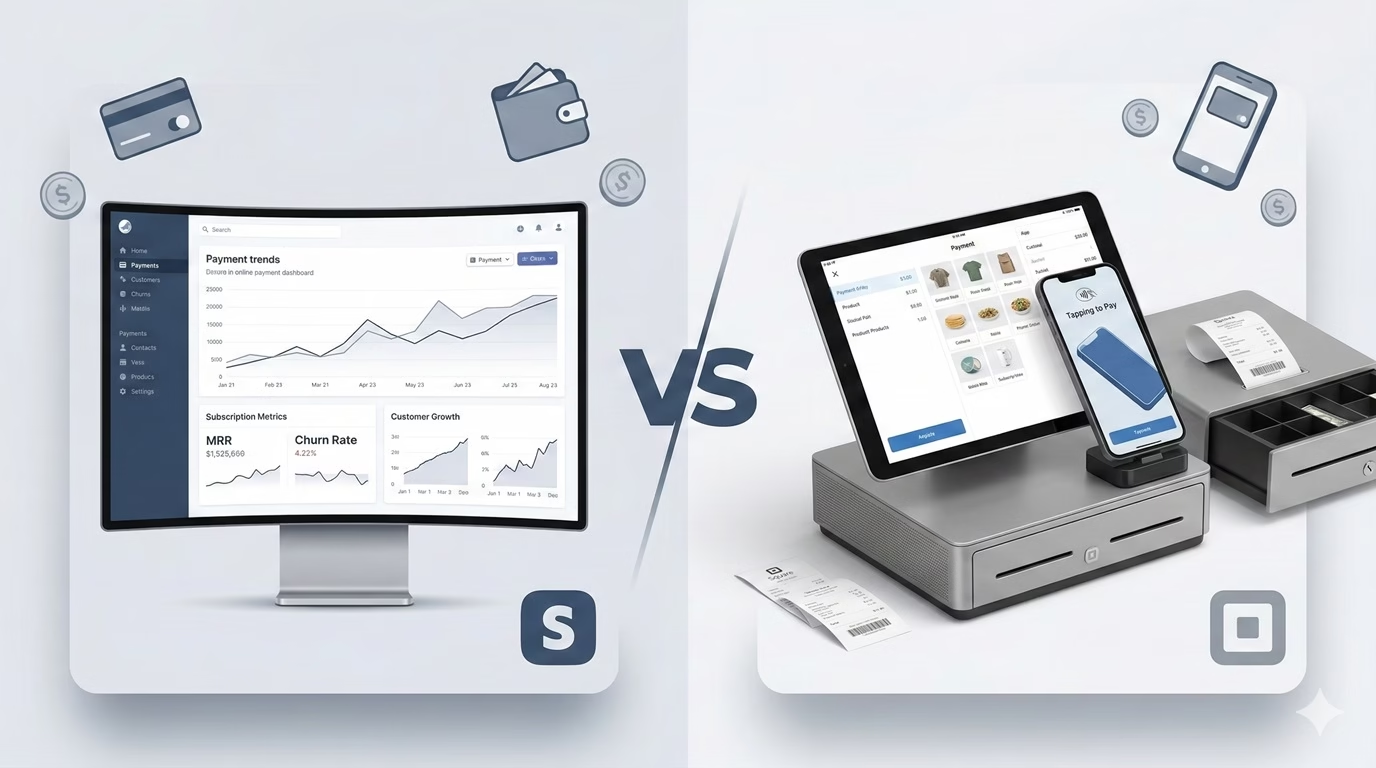
Square dominates the physical world. Their POS systems are gorgeous, intuitive, and feature-rich. But their biggest 2026 advantage is native Tap to Pay on iPhone and Android. You simply download the Square POS app, and your customer taps their credit card directly to the back of your phone. No dongles required.
Stripe (The Terminal Challenger):
Stripe recently launched “Stripe Terminal” to capture physical sales, and they also support Tap to Pay on mobile. However, their physical hardware is basic compared to Square’s cash registers and kitchen display systems. Stripe’s in-person tools are better suited for a B2B consulting firm taking an in-person retainer, rather than a busy coffee shop.
3. E-commerce & Subscriptions
If you sell on the internet, the winner is clear.
Stripe:
Stripe is the backbone of the internet. It integrates seamlessly with Shopify, WooCommerce, Kajabi, and almost every SaaS platform on earth. Furthermore, Stripe Billing is the best subscription management tool on the market. If you charge customers $49/month for a membership, Stripe handles the recurring billing, failed payment retries, and prorated upgrades flawlessly.
Square:
Square forces you into their ecosystem. While they acquired Weebly to build “Square Online,” it is not as robust as Shopify. If you try to connect Square to third-party e-commerce platforms, the integrations are often clunky or non-existent. Square is great for selling a few t-shirts online, but it will bottleneck a high-volume internet brand.
👉 Running a restaurant? Read our full guide on the Best POS Systems for 2026 (Note: Internal link to your Restaurant Hub!)
4. Account Stability (The “Frozen Funds” Risk)
Both Stripe and Square are “Payment Aggregators.” This means you don’t actually get your own dedicated merchant account; you are lumped into one giant account with millions of other users.
Because of this, both platforms use aggressive AI algorithms to monitor for fraud.
- The Risk: If you have a sudden spike in sales, or if you sell items in a “high-risk” category (like CBD, ticketing, or consulting services with high chargebacks), both Stripe and Square are notorious for freezing your funds without warning.
- The Fix: If you process over $250,000 a year, you should graduate from Stripe/Square and get a traditional merchant account (like Payment Depot or Stax) which offers lower rates and dedicated account stability.
Conclusion: Which Processor Should You Use?
Don’t overcomplicate your payments. Go where your customers are.
- Choose Square if: You sell face-to-face. If you run a food truck, a hair salon, a retail boutique, or a home-service business, Square’s free POS software and hardware ecosystem cannot be beaten.
- Choose Stripe if: You sell on the internet. If you run a SaaS company, an e-commerce brand, or a digital course business, Stripe’s developer tools and subscription management will scale with you to the moon.
Your Action Plan:
- Determine your primary sales channel (Online vs. In-Person).
- Create your free account (neither platform charges setup fees).
- Set up Apple Pay and Google Pay immediately—over 60% of consumers prefer digital wallets in 2026!